The recording starts as the speaker begins; the MC's introduction is not captured. The talk
ends at 00:16:02, about four minutes early.
Transcribed locally with Qwen3-ASR 1.7B (timings per ~5 s segment), prompted with the
speaker names of overlapping sessions. "Google DeepMind" at 00:00:41 may come from that
prompt: the Voice Memos transcript has "we believe mine" there. Model and product names are
kept as transcribed ("Gemini Carbon", "Calvin", "Argue", "Argent", "PyHarness", "DeepSVE").
The Voice Memos transcript is kept beside it as transcript.txt.
00:00:00 — Opening
Maybe we'll wait one minute. Whoa. So, I'm going to talk to you about how I deleted roughly ninety percent of my Asian harness and how it got better.
00:00:13 — The bitter lesson
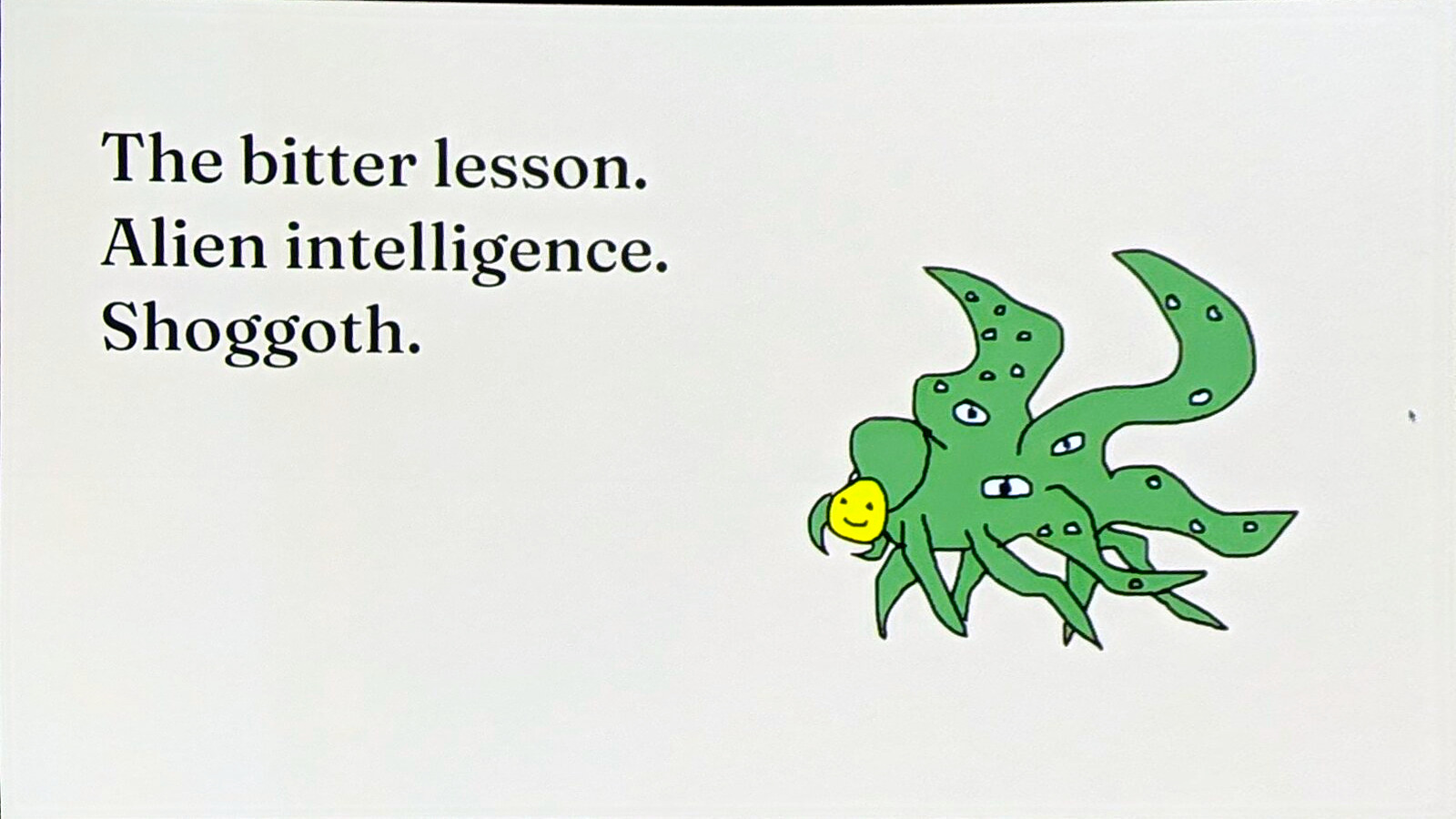
But before we start, let's look at a I think very important essay from Richard. Sutton, the bitter lesson. So if you haven't read it yet. Definitely recommending taking a look, and the basic idea behind it is that. General methods that leverage computations are ultimately the most effective by a large margin, and what it means for agents is. The more compute we invest, the better our models get. The less we need.
Our agent harnesses, and the less code we need.
00:00:41 — Six months of shipping
And if we look at what we have been doing at Google DeepMind for the last six months, so at May we had Google I know. AIo and today is November eleven. And we have been shipping relentlessly, basically. Just earlier today, we announced our first decision model with Gemini Decision One. Yesterday we made Gemini 4.1 available, and then if we just look at the last six months, we basically ship new models every few weeks.
As already said, Gemini Carbon is. It's now available for you. So if you are a Google AI Uber subscriber, you can use it at Gravity. You can use the Gemini app. You can. You can use it in your studio. Carbon is number one on the Crossbench eval. And also number one on the perplexity benchmark, and internally at Google. We have been using it already a lot, and much more exciting is that I.
00:01:29 — The Gemini Decisions API
Happy to share that we launched the Gemini Decisions API. Roughly one hour ago, with our new Gemini Decision One model. So it's a similar model to Chef. You can provide. All of the existing Gemini inputs, meaning it's multimodal, so you can provide text. Audio, images, video, and also PDFs natively, and then provide up to 1,000 questions in a single request. The average end-to-end latency, including all of the network overhead, is between 150 to 250 milliseconds.
And it costs 10 cents per one million tokens.
00:01:58 — How models learn agentic work
So. How do models get good at agentic work, and that's a rough. I love it overview on how post training works. Contractually obligated to say. And at the end, we have some verifier, and the model tries to basically solve that task to use different tools. And then, based on the score from the verifier, we update the model, but. No one is telling the model which tools to use, and basically it only receives that reward feedback.
00:02:31 — Dedicated tools versus one bash script
So, if we look at two examples on how a model can do a certain tasks with tools, we have the path A. Where we have dedicated tools for file system control, so. You all have probably used coding agents, and you have seen a read file call or an edit file call. So that's one way of doing it, and the other way of doing it would be just using a single inline bash script for all of the changes.
So on the left side, we roughly need around 10 terms to make the same changes. To a coding repository, compared to the two terms on the right side, just using Bash, and it also reflects. In the amount of tokens we need, so the left path takes around. 10x more tokens than the right, the right part, and doing the exact same thing. At the end, for the model to achieve that task.
00:03:20 — Rebuilding the harness every six months
So in my experiment, every roughly six months, I try to build. A new coding agent harness from scratch, and I always ask myself, okay, how much of the harness do I really need to achieve the Same task, and what is overhead to the model, and we no longer need. So if we look at the coding agent harness, which from 2025 we had a roughly around. 10 to 15 to 20 tools. We have dedicated tools for.
File editing. We have dedicated tools. For planning, for to-do lists, and also we had a lot of dedicated rules in our system prompt, which. Told the model what to do and what not to do. And that worked, of course. But since then, we made a lot of changes. So in my experiments, first one was. Done roughly now two years ago in February. Where we did not really have edges, right? We had workflows. We basically had predefined steps.
Rack applications back then were very popular. We had a planner. We had search. We reflected on whatever was found, and we generated an answer. Then we started to see our first agents. We had many, many different tools for all sorts of fine-tuned actions. And then came the coding agents, where we had those roughly ten to twenty tools.
00:04:31 — One tool: Bash
And now, in my last experiment, I try to see okay, what's going to happen if I provide only one tool to my agent. And the outcome was pretty exciting to me. So this one tool agent works the same way as every other agent, except that it only has one tool, which is Bash. And the model can use that tool for any sorts of tasks. And the bash tool is very simple, so it runs in a.
A separate clean subshell, and it supports the command arguments. I also added a description so that it's nice and easier to display to the user what the model is actually doing, and then like some. Parameters. So basically, when the model runs, a bash command. The parameter tells the model, okay, if it is the command longer running than this milliseconds. It's being the true core results. And the model receives a local file handle where it can look up later. Okay, if the process is still running.
That's very interesting. If you do like all sorts of like. Web development, for example, and the single bash tool actually works for all of the things. We are using Azure, so we can have long-running work where we can start on the foreground and then automatically. Move it to the background. The model receives some file handle, and since it has space available. If we store it to a file system, it can read the logs which are being streamed.
If the agent itself is a CLI, it can call itself using bash. So. There's practically no need to create subagent tools for it because it can invoke itself. And then, of course, we don't need dedicated planning or memory tools because. If our file system are available, we can provide some context to the models and the models. Track all its own work with the file system and using the best tools.
00:06:11 — Shrinking system prompts
And addition, of course, to our tools, we have system grounds, and similar to. Tools, systems, evolve over time. Every dot here is roughly around 100 tokens, and you can see that. Coding agents mid 2025 had. A lot of context we needed to send in every request. Of course, this also improved. And similar story here. It's like okay, what do I really need to provide to my agent?
To make it successful and work, and what of all of the system information details we had in the past are now basically. Part of the model.
00:06:44 — How much of the harness helps?
So, how much of the harness helps, and how much is in the way? And to find that out, I was running a lot of different evaluations, a lot of different agent harnesses with a lot of different tools. And one example I like to show here, which was done with. And from an eval task from DeepSVE is like. Okay, what happens if I provide my existing coding agent tools with read, write, search, grep?
And my bash-only tool, and I think you can pretty clearly see that the top line is. Taking a lot of more tokens, a lot of more turns, and a lot of more times. To achieve the same task, and what stands out really well is that okay. Reading is done in parallel in the beginning, but as soon as we start going into making code changes. We see that same behavior that the model is making.
Turn by turn, a single edit, which of course consumes a lot of time and a lot of tokens, so.
00:07:44 — Score, tokens and cost
How that does this look at Protoscope? So I have my own eval set of around three hundred fifty tasks. For coding, knowledge work, and terminal commands. All run with Gemini four Argent here. And four different agent harnesses. One is the bash only harness, and then okay. With Bash, we still have that issue on how can I read images, right? If I'm, I cannot. Cut screenshot dot png would return a binary.
And it will fill my context, and the model cannot see the image, so. I added a view media tool, which basically returns the image in a way the model can see. Then we have two different agent harnesses with structure tools for file system operations. And if we just look at the score column, all of them. Look, roughly identical, right? So if we would just evaluate our model.
In an agent harness, looking at the score, it would. Basically, not really matter which one of those we would. Of course, there's a slight variance in the scores, but I only ran. Each task one time, so might be just some noise or maybe something else. So you would probably need to run a. Fewer samples per performance, but the score looks roughly the same. So how would we now know?
Which harness should I choose? If we just look at all of the evals. Being shown, it's always mostly about score. But if we look at the token column, or even more at the dollar per task. There's a picture which is changing, so the token per task. Is getting lower. Interestingly, if we just Use bash, and also the cache hit rate increases. So if we just compare like the bash media.
Is the baseline? The tasks are almost two X cheaper compared to. More complex, more tools, agent harnesses, and we would not see it if we just.
00:09:37 — Demos: Flash and Carbon
Look at the score, and to show you a few examples, I prepared some demos. So. Here I am using the PyHarness, which makes it super simple to basically define what tools you want to use. I have the same prompt for 3.5 Flash, which we released roughly six months ago. For all tools, so like whatever Pi ships out of. The box. Then we have it for bash only.
And then we have it for carbon, and sorry for carbon with the default tools, and then with bash only. This runs now since we only have roughly around twenty minutes. I recorded all of that and clicked that very nice accelerate button here, and what we can see on the right side is that. The same paradigm basically applies. When models get better, they roughly need less tools. So with three point five Flash, we see.
With the default tools compared to Bash only, we had the same amount of model calls. We had Same amount of tool calls, and we had roughly the same amount of tokens. And if we look at the auto traces, we can see. For bash only, we have some cut commands to read different files. We have some inline scripts. To make changes, and then like some Git changes. If we look at the default tools, we can see roughly the.
Same. We had read file commands. We used the edit tool, and then had some Git commands to make those changes. If we now look at carbon, with the default tool, you use way less. Tool calls and model calls. It's basically. Doing work in parallel, but also trying to reduce it. So we had, for example. Are still same for right recalls and also the edit calls, but what starts to get interesting.
If we are going to look into Bash, and in Bash we had even less tool calls and model calls. And the interesting part here is that the model writes. A single Python script to make all of the changes in one go, and no longer needs to call multiple tools.
00:11:39 — Better models chain more commands
So if we go deeper, what does it mean in terms for carbon here, and how bash pays off is that. The better the model gets, or the more Reasoning and like capability, it gets helps the model to be able to chain more commands in a single call. For Calvin, it was roughly 2.2 to 3.7 commands per bash call. And for Flash, it was only 1.3 to 1.8.
So we are seeing up to three x less tokens. By carbon to achieve the same task. Compared to having the same tools, we need to use. So, two more examples to look at it as well is like. We have on the left side carbon with the default tools. So we see our coding agent tools with write, edit. And we see okay, does some parallel work in turn two, some parallel work in turn three and four.
And then we have all of the changes, and on the right side, where just has the bash tool, it uses Python to write an inline script. To make all of the changes at the same time, with much less token, and the same. Counts for if we compare Gemini 3.5 Flash to Gemini 4 Carbon. Flash with Bash only is not chaining those commands. So here it's not really doesn't matter if I'm having a retool, a write tool, an edit tool, and a bash tool, or if I have just.
The best tool because three point five flash used to use bash for single turn commands so. Had a single turn for reading. It had a single turn for writing. But if we look at carbon, which here in this example is the exact same task. It needs less way turns, so the reading is not needed to read all of the different. Files and completely, it just uses Ripgrep and like some intelligence.
Searching to find where we need to make changes, and then it writes a single Python inline bash command. Can make all of those edits in one go, saving us a lot of tokens.
00:13:33 — Fewer tokens per task
So, what does it bring us? Will keep eating the honors, and I'm pretty sure that 2027 will also be a lot more about how many tokens. Do we need to solve the task? Even for the few improvements we made, between. Between Argue and Carbon is the better model needs less tokens per task, which of course is very exciting for all of us because then we can use.
It more, and also it matters a lot what the harness provides, and we will might not see it. If we just look at the accuracy, it's also very important that we start measuring the token if. Because harnesses can look the same on accuracy because our models are now very good, so if your harness Is more complex to use. The model will work around it. Will find solutions around it, but needs more terms and more tokens.
To achieve the same results, and then also what comes afterwards.
00:14:23 — What comes next: code mode and MCP
So I will try to do the same experiment. Six months from now, and currently the trend we see is slowly. Rising, at least on like social media and like industry, is that we might go back to. Some code tool that we instead of writing bash commands that we write TypeScript or Python directly. That MCP will come back. I'm a big fan of MCP, and like they are making great changes to make it more.
Easy, easily usable, especially. Interesting for all of that code mode work is MCP servers now allow you to return structured output, so the model can. Write better scripts to take more actions in a single turn. It also allows us to do some. Better proxy around the security because bash calls are very hard to understand. But if I have some Constructive layer in TypeScript. I can watch all of the commands being executed and make sure those are secure.
00:15:25 — Takeaways
And for you, build to limit your code before the model does. Give your model to a computer, not a toolbox. And when a new model ships, I definitely recommend you trying to. Think a little bit outside of the box. Be more ambitious. Try to really see. Okay. What if I remove my complete harness and just give it one tool? And then also, please scan the QR code. You will get free credits. We will send them out after.
After the AI engineering event, to try out carbon. And also to try out the new Gemini Decisions API. So if you have some time today, I really can recommend. Checking out the new decisions model, Carbon, and thank you for your time.